
Today
Medications, visits, follow-ups, and waiting items land on Today. If the day is clear, it stays clear.
Caregiver Command Center
Appointments. Medications. Supplies. Insurance calls. Reference numbers. Follow-ups. Family updates. The things you are waiting on.
UU Organized helps you keep track of it all, with AI helping organize the chaos. You decide what goes in. You review it before it is saved.
The book teaches the system. The app helps you run it.
Stay on top of today
The load is not one task. It is the visit, the refill, the thing you are waiting on, and the date you said you would check back. Today gathers that into the day you are actually in.
Medications, visits, follow-ups, and waiting items land on Today. If the day is clear, it stays clear.
Start with what is due, low, incomplete, or waiting. The rest of the day can wait its turn.
Doctor visits, therapy, home health, rides, deliveries, and your own time. An appointment is who it is with, when it is, and why you are going.
“Let me know how I can help” becomes a task with a name on it. Ownership is how someone else actually takes a piece.
The date you said you would check back. A call, a waiting item, or a delivery can leave that date here.
In the app, and by email when you want them. How far the reminders go depends on the plan.
Keep medications organized
UU Organized stores the medication information you enter. It does not diagnose, change a dose, or decide what someone should take. You review every field before it is saved.
Name, instructions, times, and refill notes. This is the list for the moment someone asks whether it was already given.
Schedules, the events you log, and the changes you write down stay with the medication. The history is what you entered, not a guess.
Photograph the label or upload a picture. The reading is a draft. You check every field, then decide what to keep.
Track the stuff nobody remembers
The useful part of the call is rarely the conversation. It is the name, the reference number, and the date you have to try again.
The callback, the authorization, the delivery. You can see what is stuck in somebody else’s hands without scrolling a text thread.
Who you spoke with, the number, and the reference number they made you repeat twice.
A waiting item can leave a date and a person. The next check is not only a promise you made out loud.
Wheelchairs, beds, and the things on order. Status stays with the item instead of in a voicemail.
Home health, rides, aides, and programs. Who is coming, and what they are there for.
What you sent, what is missing, and who has the file.
The shit you cannot run out of
Supplies are the household things you really cannot run out of. The app tracks them. It does not place the order.
Start from a catalog or add your own. Brand, size, and how it comes packaged can sit with the item.
Current quantity, the point where it counts as low, and how much you reorder.
A photo, the retailer you prefer, and the link for the place you already buy it.
A low-stock note, and a place to mark that it was reordered or that it came back.
Keep a real care history
Notes, observations, and paperwork stay with the person. A month from now you should not have to reconstruct what changed.
What you need to remember later. Search and filters are there when the pile gets long.
I don't know if this matters, but… If something feels different, write it down before you talk yourself out of it.
What an ordinary day looks like for them, so a change has something to stand next to.
Discharge papers, cards, forms, the letter you will need again. Storage room depends on the plan.
A look back at the month from the records already saved, so you are not starting from a blank page.
Command Center and Family can export. Free keeps the records in the app.
Share the mental load
Helping means a name on the next thing. It does not mean another “let me know if you need anything.”
Who you call, and what you call them for. Role, phone, email, and the reason they are on the list.
Members have roles. Access can be limited to the care recipients a person is actually helping.
What the next person needs when they take a turn: what changed, what is due, and what they should not discover at 9 p.m.
A private place for everyone, for one care team, for a few people, or for one person. Important messages can be marked. Messaging is part of the Family plan.
AI that organizes the chaos
Quick Capture is for the moment you cannot stop and file the thing correctly. Nothing important is saved until you confirm it. This is organization help, not medical advice.
Write what is going on in plain language. The Command Center sorts it toward the list it belongs on. You still confirm the result.
Use the microphone when your hands are full. The recording becomes a transcript you can edit before it is organized.
A medication label is read as a draft. A package photo can suggest a supply. You review it before anything is kept.
Questions stay tied to the records you can already see. Ask what needs attention, what changed, or for help preparing a visit, a handoff, or the monthly review.
Know what's changed
The timeline and the summaries are built from what is already saved. They do not invent a change that nobody wrote down.
Notes, observations, medication changes, calls, waiting items, tasks, and follow-ups in one place. Filter it when you only need one kind.
A summary of what changed, tied back to the records. It does not send a message or create a reminder on its own.
Appointment preparation pulls what is coming up, what changed, and what you may want to ask. You decide what to take with you.
How the plans fit
Free
1 care recipient and 2 members. Limited AI assistance, so you can see whether one place for care actually helps.
Command Center
1 care recipient and 4 members, with generous AI, exports, and advanced reminders for the person keeping the list.
Family
3 care recipients and 10 members, with messaging, family collaboration, and expanded AI for the people sharing the care.
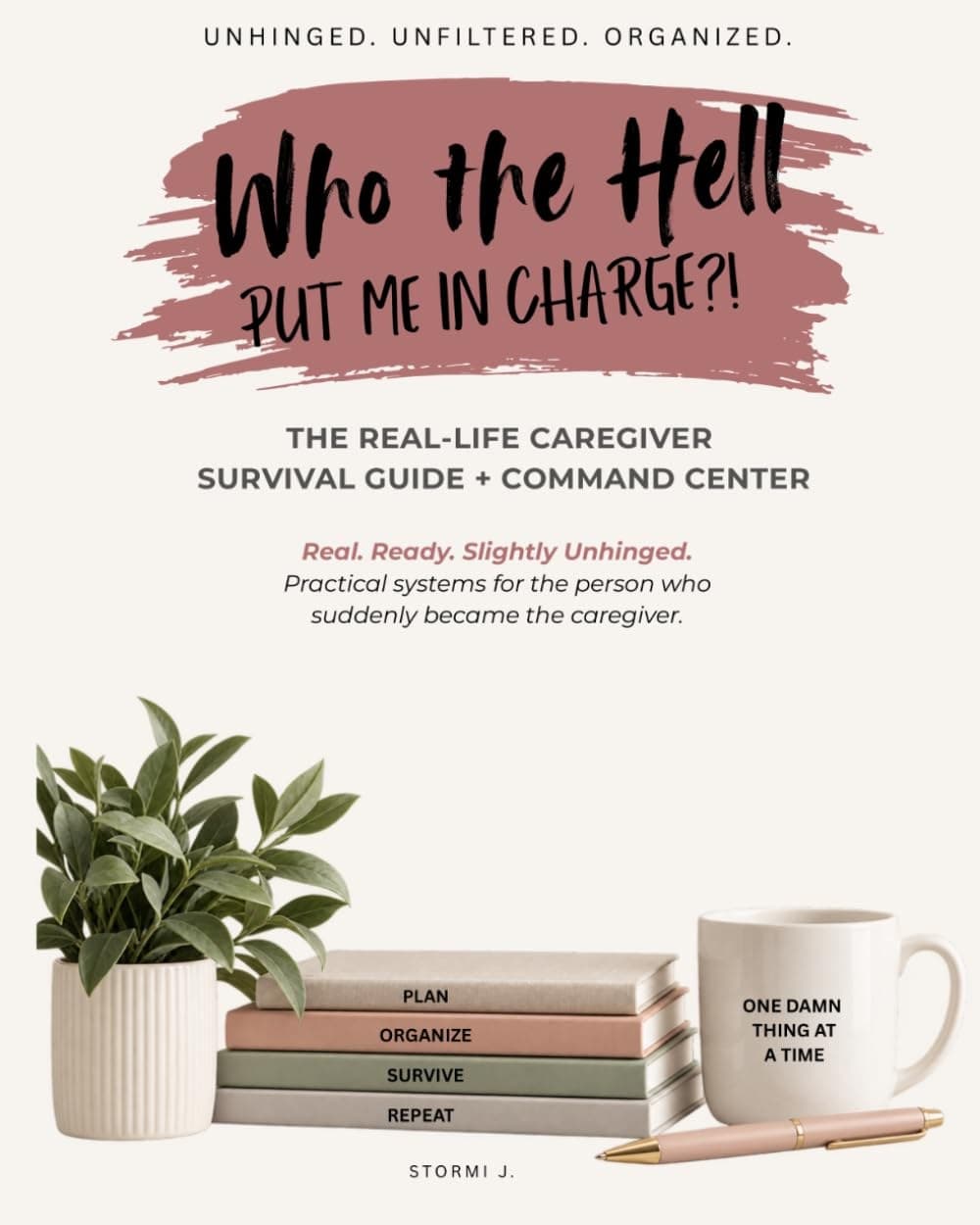
The book and the app
Who the Hell Put Me in Charge?! stays a book you can buy on its own. The Caregiver Command Center is the digital tool inspired by that caregiving system. You do not need the app to use the book, and you do not need the book to start the app.